Cats on your Home Screen.

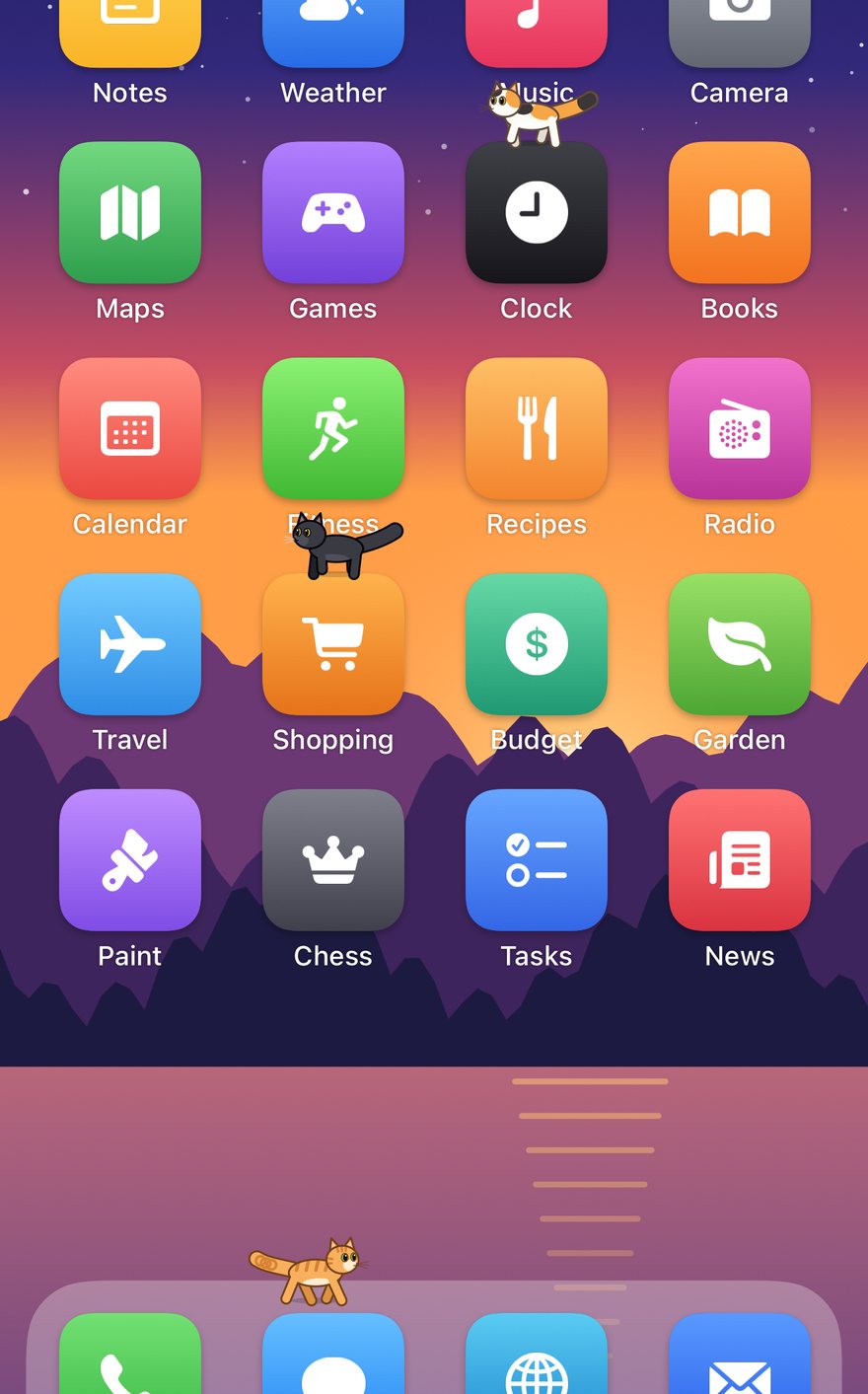
Pocket Pounce puts a little family of cartoon cats on your iPhone. They sit on your app icons, nap on the Dock, chase a laser, get tangled in yarn, knock things off ledges, and every so often open one of your apps like a door and stroll out like royalty.

iPhone ยท iOS 17 or newer ยท No ads, no accounts, no data collected
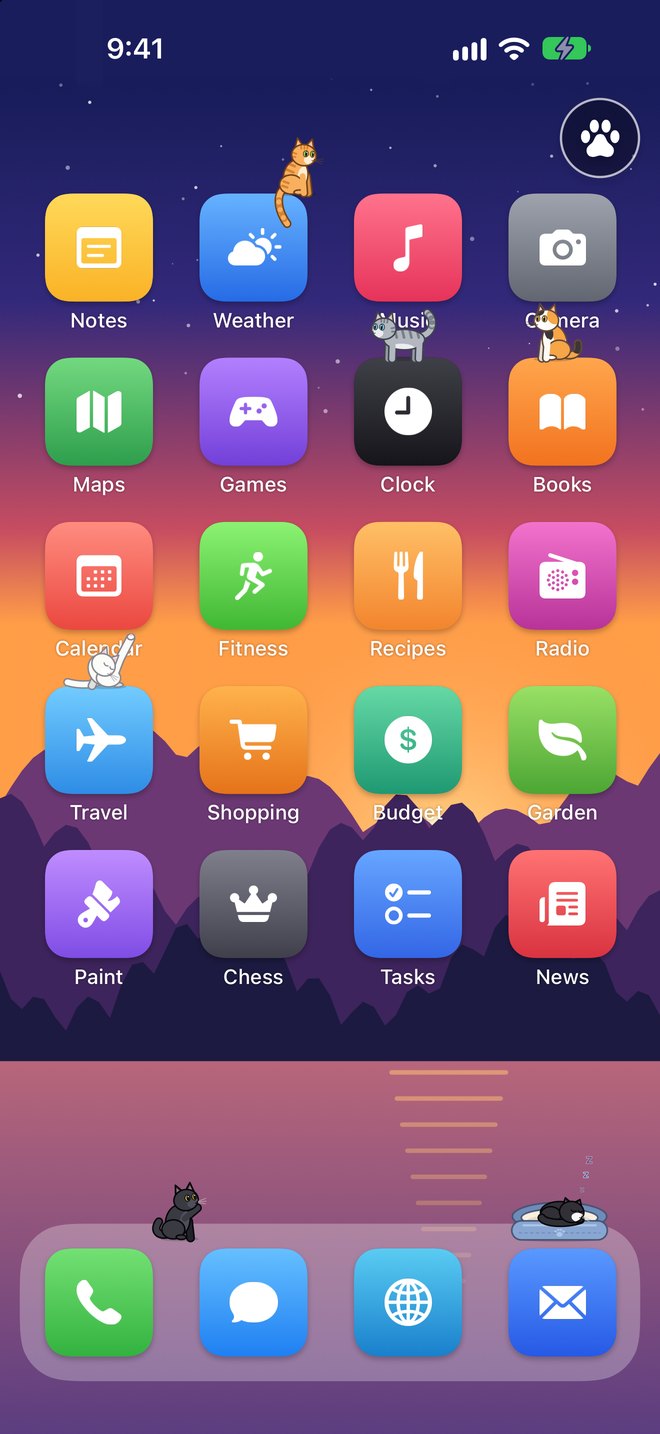
A Home Screen of made-up app icons with cats on it: an orange tabby sits on the Weather icon, a gray tabby leaps between icons, a calico sits on Books, a white cat grooms, a tuxedo sleeps in a cat bed on the Dock and a black cat bats a ball of yarn.
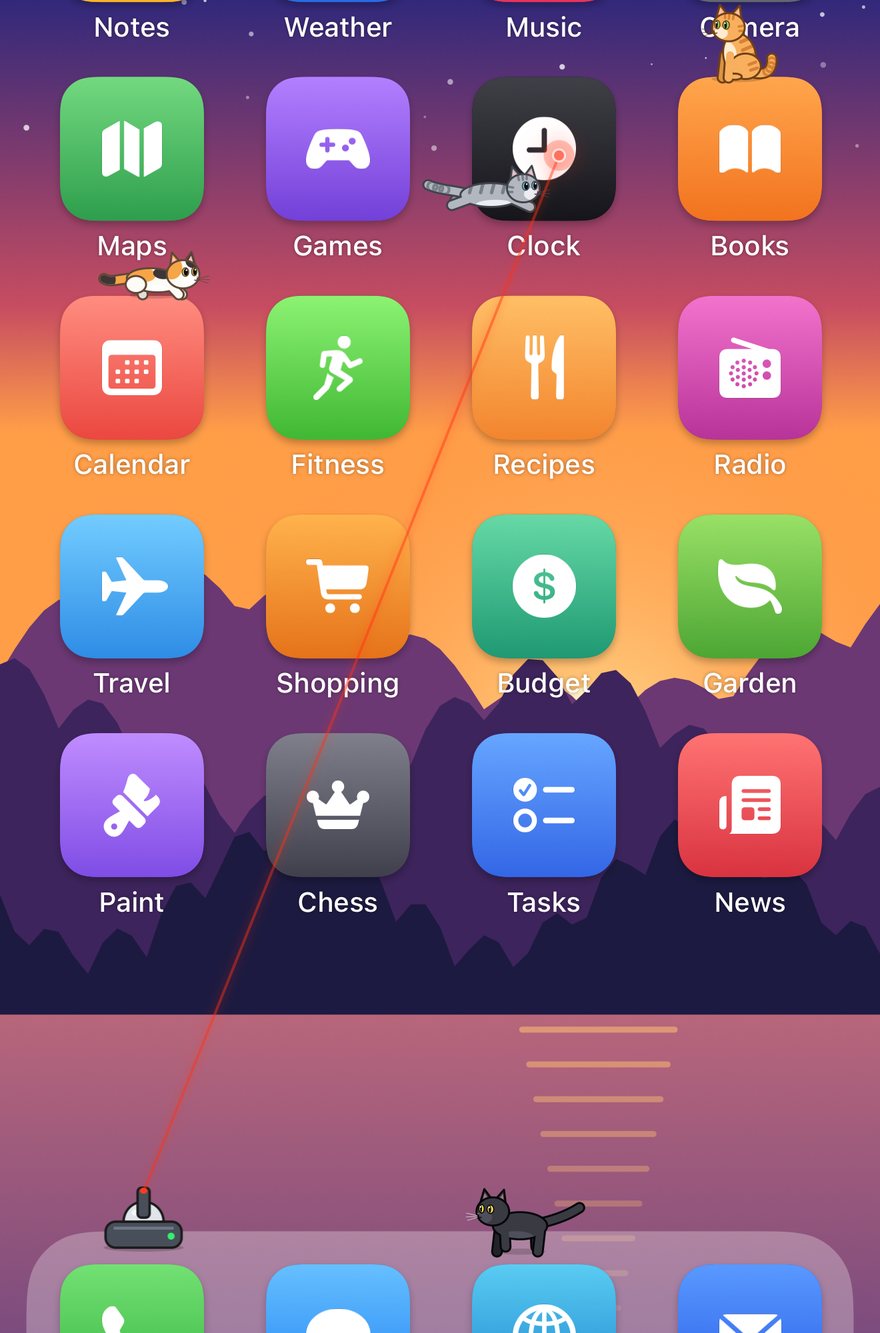
A little laser turret on the Dock shines a red beam up to a dot by the Clock icon; a gray tabby leaps at it while a calico crouches on another icon.
Laser toy

An automatic laser toy

Put out the laser and it steers its red dot around the cats in a pattern built to get them moving: skittering along a row of icons, stopping just out of reach, hovering overhead so they leap, darting across so they have to hop.

Drag the toy anywhere; tap it to switch the beam off. Afterwards the cats look around, baffled, and groom to save face.

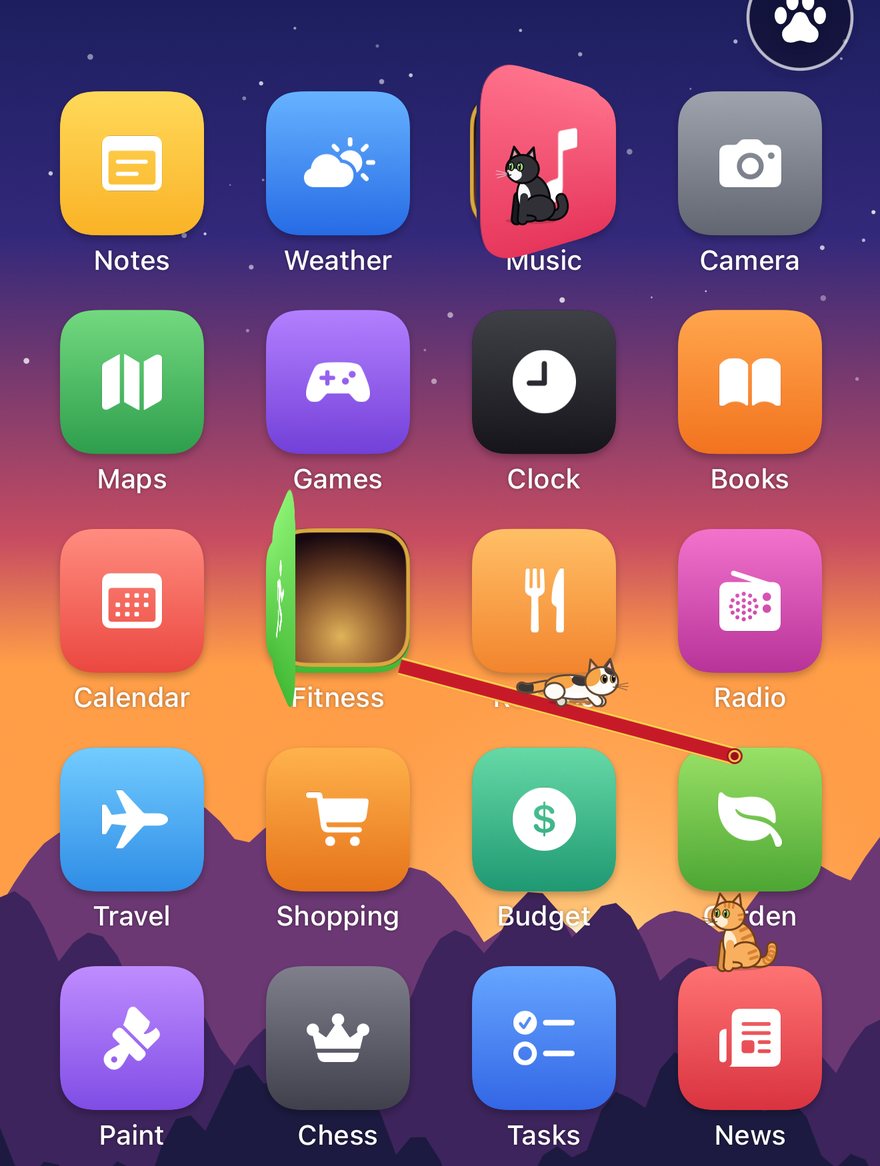
An app icon swung open like a door, glowing warmly inside, with a red carpet rolled down to another icon and a calico sliding down it; another cat peeks out of a door that's just ajar.
Grand entrances

Your apps are their doors

When a cat goes off to explore, it sometimes comes back through one of your app icons: the icon swings open like a little door, and out it saunters like the royalty it is.

  • Some cats open a door slowly, peek out, decide they don't like the view, and try another
  • Sometimes a red carpet rolls out, and the cat slides all the way down it
  • Or it scratches a hole in the screen and pops out of another one somewhere else
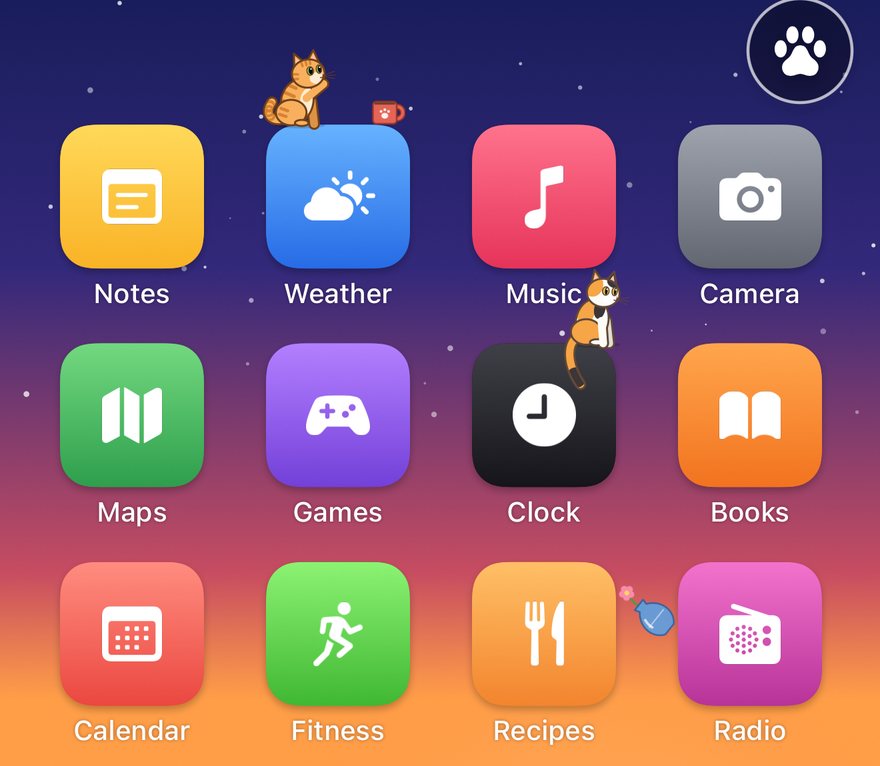
An orange tabby paws a mug toward the edge of the Weather icon while a blue vase tumbles down past the icons.
Mischief

Nothing on a ledge is safe

Put out a mug, a vase or a bottle and you know what happens next: a cat wanders over, gives it a pat, another pat, and over the edge it goes. Every so often something appears on a ledge all by itself.

A crash wakes any cat napping nearby, who bolts for the far side of the screen.

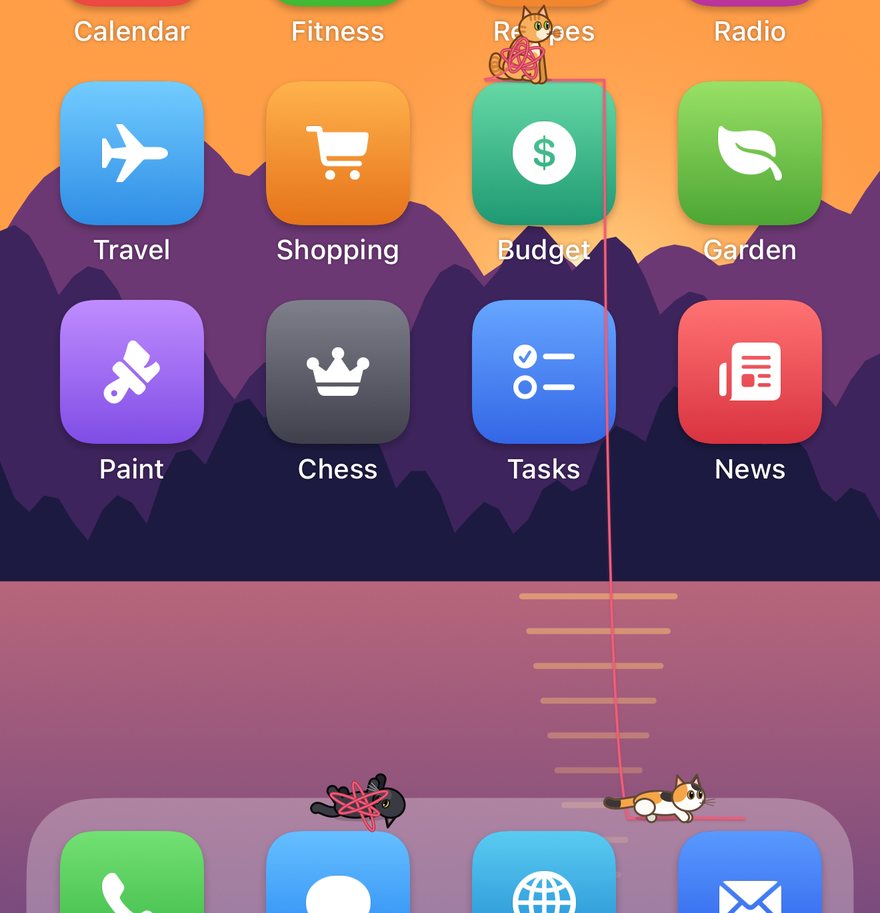
A strand of pink yarn drapes over an app icon and down to the Dock, where a black cat rolls on its back tangled in it and a calico eyes the ball.
Ball of yarn

Yarn, everywhere

Toss in a ball of yarn and the cats bat it around. As it rolls it unwinds, draping a strand over your icons, and gets smaller and smaller until it's all used up.

Cats that find the loose yarn flop onto their backs and roll around in it, then wander about wrapped up for a while.

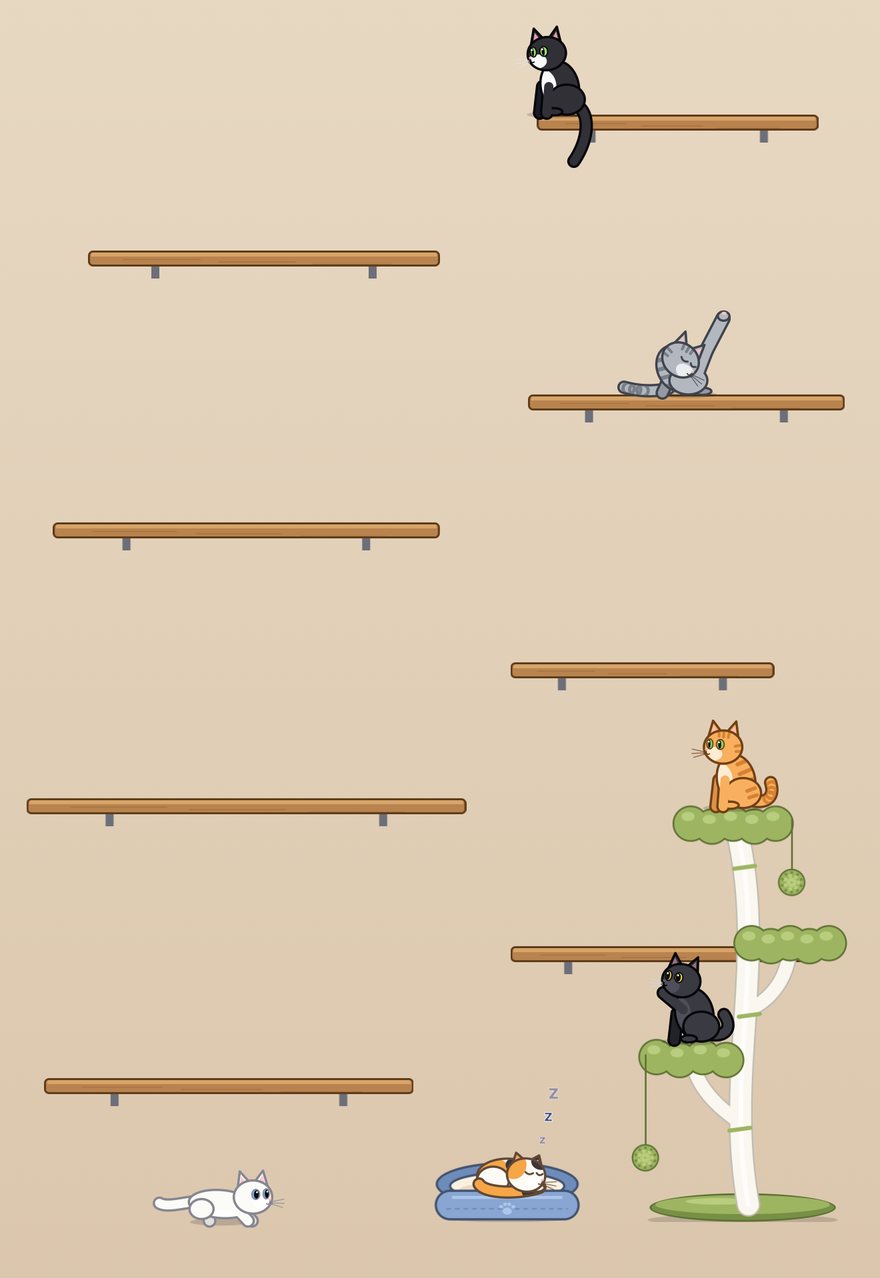
The cat room: wooden shelves, a white cat tree with green pads and pom-poms, a calico asleep in a blue bed, a gray tabby grooming and an orange tabby at the top of the tree.
A room of their own

Shelves, a cat tree and a bed

No Home Screen picture yet? The cats have a cozy room with wooden shelves to hop between, a cat tree with pom-poms to bat, and a plush bed that's the favourite nap spot. Press and hold to drag any of it around, and add cloud ledges wherever you like.

Stroke a cat with your finger and it purrs (you can feel it, too).

Three cats sprinting across the Home Screen with puffed-up tails.
Zoomies

Five minutes of chaos

Turn on the Zoomies and the cats lose it: tails puffed up, eyes wide, sprinting, spinning and hopping all over your Home Screen. When you have more than one cat, each one does its own thing.

Coats

Pick your cat

Orange tabby, gray tabby, black, tuxedo, white or calico. Small, medium or large. One cat or a whole crowd.

Six seated cats in a row: orange tabby, gray tabby, black, tuxedo, white and calico.

And all the little things

๐Ÿ 

Widgets

Home Screen and Lock Screen widgets show what your cat is up to right now.

โœจ

Surprises

Every few minutes something breakable appears, or the laser switches itself on for a bit.

๐Ÿ’ค

Nap time

Send everyone to bed, or let them doze off on the warmest icon they can find.

๐Ÿ”†

Keep awake

Leave your phone on a stand and the screen stays on so you can watch them play.

๐Ÿ“

Adjust ledges

Move, resize or remove the spots the cats can stand on to match your Home Screen.

โ“

Built-in guide

A short How to Use guide walks you through it, and you can open it again from the paw menu.

Put the cats on your Home Screen

  1. Take a screenshot of your Home Screen (press the side button and volume up together).
  2. Open Pocket Pounce. With photo access allowed, the cats find the screenshot by themselves and move in. You can also choose it yourself from the paw menu.
  3. Optional: open the paw menu and choose Adjust Ledges to fine-tune where the cats can stand. Drag to move, pinch to resize, double-tap to remove.
  4. Add a widget: touch and hold your Home Screen, tap Edit, then Add Widget, and search for Pocket Pounce.

iPhone apps can't draw over the real Home Screen, so the cats live in a picture of yours. Changed your icons around? Take a new screenshot and the cats notice.

Privacy

Nothing leaves your iPhone. Pocket Pounce has no accounts, no ads, no analytics and collects no data.

Photo access is used only to find your Home Screen screenshot. The picture stays inside the app on your phone, and the app reads where your icons are on the phone itself.

Without photo access the cats still have their room, and you can pick a screenshot by hand. Read the privacy policy.

Support

The cats aren't sitting on the right spots.

Open the paw menu and choose Adjust Ledges. Drag a ledge to move it, pinch to resize it, or double-tap to remove it.

I rearranged my Home Screen. How do I update it?

Take a new screenshot and open Pocket Pounce. With photo access allowed, it notices the new one; otherwise choose it from the paw menu.

Where's the laser, the yarn, the cat tree or the bed?

Everything is in the paw menu (the paw button, top right), along with Zoomies, Nap Time and the Hole Trick.

How do I see the guide again?

Open the paw menu and tap How to Use Pocket Pounce at the top.

Still stuck, or have an idea? Email support@logocode.dev.